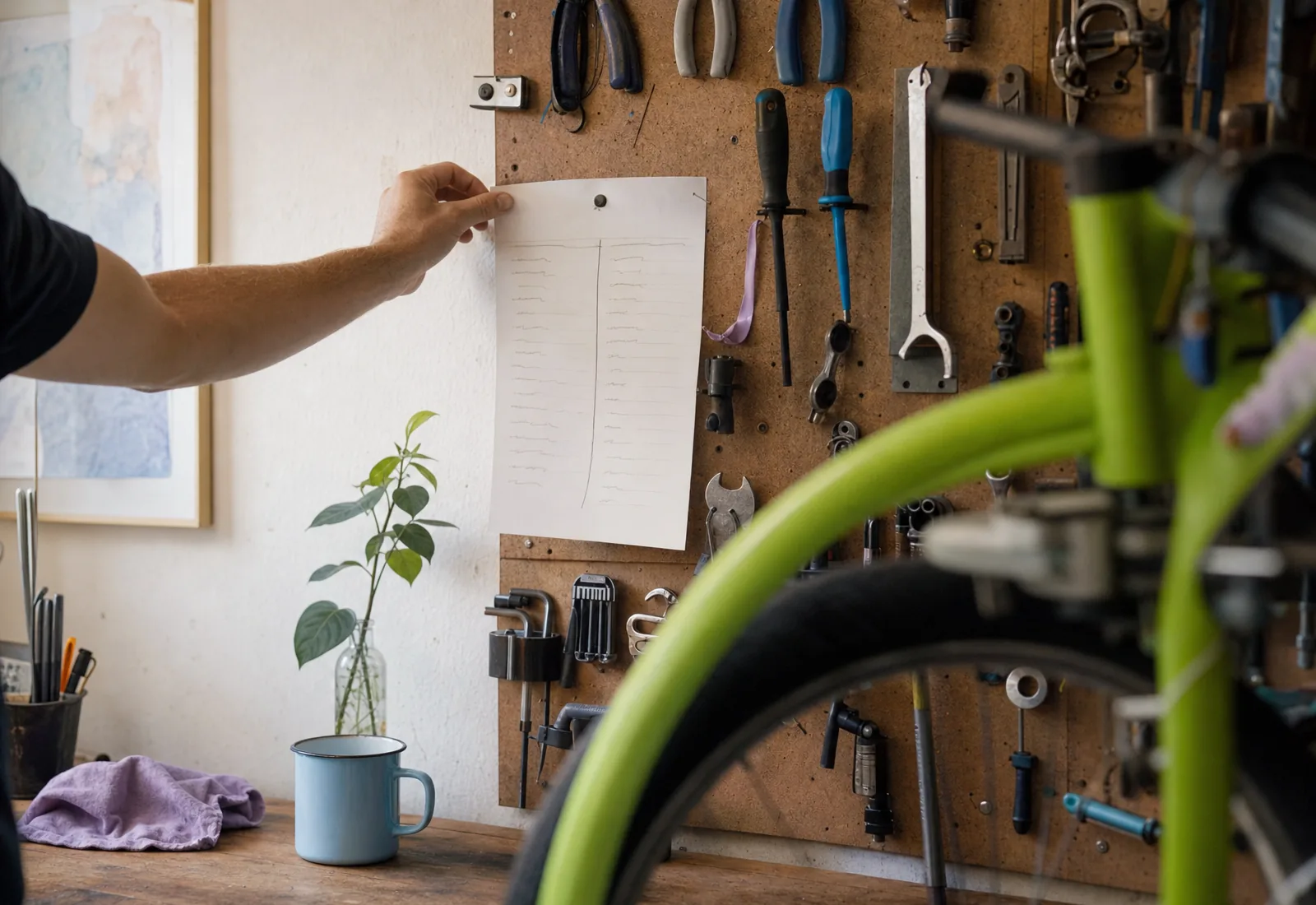
Monday morning is when the week is still yours. By ten o'clock the phone is ringing, a supplier is late and somebody needs you on site. Before that, there's a small window where half an hour of thinking saves you hours of catching up later.
Most owners spend that window in their inbox, reacting. The ones whose weeks run smoother tend to do the same handful of things, in the same order, every Monday. None of it is complicated. It's just easy to skip.
This post is that routine, written as a checklist you can use on any Monday, with or without any software. Then, for each item, the plain text you could send to 
 instead of doing it by hand.
Why Monday, before the first customer calls
A routine beats good intentions because it doesn't depend on how you feel. You don't decide each week whether to look at unpaid invoices; you look because it's Monday and it's on the list.
And Monday matters because of what's waiting. Weekend enquiries that nobody answered. Saturday's jobs that need a follow-up. A week of bookings that might have a gap you could fill, or a clash you haven't noticed. Half an hour now turns all of that from a surprise into a plan.

The 30-minute Monday: customers, quotes, invoices
Here's the routine. Do it in this order, because each step feeds the next.
The Monday morning list
- Read what happened since Friday: calls, messages, bookings, cancellations.
- Answer every enquiry still waiting, even if the answer is "I'll quote by Wednesday".
- Look at this week's bookings for gaps and clashes.
- Follow up quotes that went out last week and haven't been answered.
- Check which invoices are due or overdue, and send a friendly nudge.
- Ask last week's finished jobs for a review.
- Fix anything on your website that's no longer true: hours, prices, specials.
- Pick one thing to get more customers this week, and do it.
Let's go through each one.
1. Read what happened since Friday
Before you do anything, get the whole picture. Which calls came in? Who messaged? Did anybody book, move or cancel? You're looking for anything urgent, and for the enquiries that need an answer today.
What to text Click: you may not need to. Click sends a text at 7 am every morning, a morning briefing by text, and every call already has a recap in your thread. For anything else, ask: *"What came in over the weekend that I haven't answered?"*
2. Answer every waiting enquiry
An enquiry from Saturday answered on Monday morning is fine. The same enquiry answered on Wednesday has often gone elsewhere. If you can't give a full answer yet, send a short holding reply with a time: "Thanks, I'll have a quote to you by Wednesday."
What to text Click: *"Reply to the two weekend enquiries: the deck one, say I can come and measure Thursday at 4; the fence one, say we don't do fences."* Click writes both replies in your name and sends them.
3. Look at the week's bookings
Scan the week for two things: gaps (an empty Wednesday afternoon you could fill) and clashes (two jobs across town forty minutes apart). Moving a booking on Monday is a courtesy. Moving it on Thursday is an apology.
What to text Click: *"What does my week look like?"* and then, if something needs to change, *"Move the 2 pm Thursday booking to Friday at the same time, and let the client know."* Click moves it and lets the client know.
4. Follow up last week's quotes
Most quotes that go unanswered aren't refused. They're forgotten, or they're waiting on a question the customer didn't get round to asking. One friendly follow-up, about three to five days after the quote, wins back a surprising share of them.
Keep it short and helpful: "Any questions on the quote for the bathroom? Happy to walk through it, or adjust anything." Don't discount in the follow-up. Just make it easy to reply.
What to text Click: *"Follow up any quote from last week that hasn't been signed. Keep it short and friendly."*
5. Check invoices
Look at what's due this week and what's overdue. For anything overdue, a polite nudge with the payment link again is usually all it takes. Most late payers have simply forgotten.
What to text Click: *"Which invoices are overdue? Send each one a friendly reminder with the link."*
6. Ask for reviews
The best time to ask for a review is right after a job went well, and Monday is a good moment to catch everything finished last week. A short, personal ask works better than a generic one: "Thanks again for having us on Friday. If you were happy with the kitchen, a short review would mean a lot."
What to text Click: you may not need to: after a finished job, Click asks every client for a review, every time.
7. Fix what's no longer true on your site
Hours, prices and specials go stale quietly. A holiday closure that's still showing, a price that went up last month, a special that ended. Monday is when you catch it, before a customer does.
What to text Click: *"Change Saturday hours to 9 to 2 from this week."* Or *"Take the fall special off the site."* Or send a photo: *"Put these photos from Saturday's job on the site, on the decks page."* You see the change before it goes live.

8. Do one thing to get more customers
Not ten. One. A post with photos of last week's best job. A message to regulars about an opening on Thursday. A new page for a service people keep asking about. Pick it on Monday and it actually happens; leave it for "when things calm down" and it doesn't.
What to text Click: *"Write a short post about Saturday's deck with the photos I sent, and put it on the site."* Or *"Add a page for gutter cleaning, with my price."*
When Monday is already booked
Some trades start at 6 am on site, and Monday morning is already full. That's fine. The routine isn't really about Monday; it's about doing the same short review at the start of every week, at a time you can protect.
Pick the slot that works: Sunday evening, Monday at lunch, Tuesday before the first job. Put it in your calendar as a booking with yourself. Keep it to thirty minutes, and keep the order the same, so it becomes a habit rather than a decision.
If you miss a week, don't try to catch up on two weeks at once. Just do this week's list. The routine is valuable because it's small enough to keep doing.
What to leave until after the first customer
The routine works partly because of what it leaves out:
- Don't start with email newsletters and supplier promotions. Read them on Thursday.
- Don't do the bookkeeping. Pick a different, quieter time for that.
- Don't plan the whole month. This week is enough.
- Don't fix things that aren't broken. If the website's hours are right, leave the website alone.
The texts to send , in one place
If you use Click, here's the routine as a set of texts you can copy. Send each one, and Click does the rest.
- *"What came in over the weekend that I haven't answered?"*
- *"Reply to the weekend enquiries: [what you'd say to each]."*
- *"What does my week look like?"*
- *"Follow up any quote from last week that hasn't been signed."*
- *"Which invoices are overdue? Send each one a friendly reminder."*
- *"Change [hours, a price, a special] on the site."*
- *"Put these photos on the site, on the [service] page."*
You can text Click in your language, and it answers in it. Anything you can do in the app, you can ask Click to do.
The week goes the way Monday morning sets it up. Thirty minutes is enough.
Eight things before the first customer
- Read what happened since Friday.
- Answer every waiting enquiry, even with "by Wednesday".
- Check the week for gaps and clashes.
- Follow up last week's quotes, once, kindly.
- Nudge overdue invoices with the link again.
- Ask last week's finished jobs for a review.
- Fix whatever on your site is no longer true.
- Do one thing to bring in new customers.
Do it next Monday, then the one after. By the third week it takes twenty minutes, and you'll notice the difference by Wednesday.