One platform that runs a local business from a text.
Clickpad builds the website, gives the business a line customers can call, and 
 , our assistant, answers, books the job, sends the invoice and follows up. The owner runs all of it by texting .






The One-Minute Version
Get found. Get the call. Get paid.
Get found
A real website in about a minute, filled in from your Google listing. Your own domain, pages for every service and town, set up for Google.
Read more: Get foundGet the call
A line customers can call and a chat on the site. Click answers, books the job, takes the order and texts the owner what happened.
Read more: Get the callGet paid
Quotes, contracts with e-sign, invoices and card payments, and customers can pay over time. Then Click asks for the review.
Read more: Get paid
How a Customer Moves Through It
From a Google search to a five-star review.
- Searches“barber near me”
- Finds the sitein their language
- Calls or chatsClick answers
- Gets bookedreminder sent
- Quote, invoicesigned online
- Paysby card or over time
- Leaves a reviewClick asked them
The owner sees each step as a text from Click, and can step in at any point.
Every Feature
What each feature does, in plain words.
What it is, then what it means for the owner and their customers. Each one opens its feature page. Anything not switched on yet says Coming soon.
Your website
Look like the best business in town, without a web designer.
- A site from one conversationAnswer a few questions and your website is live. No designer, no weeks of waiting.
- Change anything by saying itPoint at something on your site and say what to change. It's done.
- Your site in 13 languagesCustomers read your site in their own language, so more of them call.
- A page for every service and townSomeone searching for your service in their town finds a page made for exactly that.
- Your own domainYour business's own web address, so you look established.
- Bring your old websiteYour old site's words and pictures come over. Nothing is lost.
Calls and chat
Every customer gets an answer, even when you're busy.
- A line customers can callCustomers call your business, and your business answers, even mid-job.
- A front desk that books and takes ordersCallers book a time, place an order or check on a job without waiting for you.
- A chat on your site that answers as youQuestions at midnight get answered from your own prices and hours, so the customer doesn't go elsewhere.
- Hand-off to a person, and voicemailWhen it needs you, the call comes to you, with a heads-up on who it is.
- , by text
Run the business from your texts, like you have an office manager.
- Text or iMessage ClickAsk for a quote, a booking or who still owes you, the same way you text a friend.
- Call ClickDriving? Call Click. It knows your clients, jobs and invoices.
- Anything in the app, ask ClickNo menus to learn. If the app can do it, Click can do it for you.
- A text at 7 am with your dayWake up knowing who's booked, what's new and who to follow up with.
- Talk to Click in your languageText in the language you think in. Click answers in it.
Bookings and work
Your calendar fills itself, and customers always know where things stand.
- Self-booking and remindersCustomers book themselves at any hour and get reminded, so there are fewer no-shows.
- Orders and pickupCustomers order ahead and pick up. No phone tied up taking orders at the rush.
- Memberships and passesSteady money every month from regulars.
- Repair tickets with statusCustomers check if it's ready online instead of calling you.
- Your client list and a client portalEvery customer, call and job in one place, and customers can see their own.
Quotes and money
Get paid faster, with less chasing.
- Quotes and contracts with e-signCustomers say yes and sign on their phone the same day.
- Invoices and depositsBills go out on time, so the money comes in on time.
- Card paymentsCustomers pay by card in a tap. The money goes to your own account.
- Pay over time with Affirm, Klarna or AfterpayCustomers split bigger bills into parts. You're paid up front.
- e-Transfer, cheque and cash trackedHowever they paid, you know who still owes you.
Grow
More people find you, and more of them come back.
- Review asks after every finished jobHappy customers are asked for a review at the right moment, so your stars keep growing.
- Sign-up fills in from your Google listingYour name, hours and phone are filled in for you at sign-up.
- Google Analytics, Meta Pixel and Tag ManagerSee where your customers come from, and your ads can find more like them.
- Live sections: open now, today's specialYour site shows what's true right now, so customers don't show up to a closed door.
- Pictures without a photographerGood-looking photos for your site, no photo shoot needed.
Scheduling, Bookings and Appointments
Customers book themselves, even at 11 pm.
Your open times are on your site. Customers pick one, get a reminder, and show up. You stop playing phone tag and wake up to a full day.
Self-booking
Customers pick a real open time on your site, day or night. No calls back and forth.
Reminders
A reminder goes out the day before, so fewer people forget and fewer chairs sit empty.
Moves
Plans change. Customers move their own time instead of calling you to do it.
Memberships and passes
Sell a monthly plan or a pack of visits. Customers join, pause and check in; you get steady money every month.
Repair tickets with status
Drop off a car or a phone and check its status online, so nobody calls to ask if it's ready.
Orders and pickup
Customers order ahead from your menu or shop and pick up when it's ready. Phone orders land in the same list.
Pay Over Time
Customers split the bill. You're paid up front.
Customers can pay over time with Affirm, Klarna or Afterpay, right on your invoice or your site. They pay in parts; you get the money up front, and the lender takes the risk.


- Your customer pays
- 4 payments of $300
- You're paid
- $1,200 up front
- If a payment is late
- the lender follows up, not you
Less the usual processing fee.
Bigger jobs get a yes
A $1,200 bill feels like $300 today, so customers say yes to the whole job instead of the cheapest part.
No risk for you
You're paid in full up front. If a payment is missed, that's the lender's problem.
Nothing to set up
Turn it on for a quote or an invoice. Your customer picks pay over time at checkout.
Available for most businesses; the lenders set who qualifies.
Quotes, Contracts, Invoices and Card Payments
From a quote to paid, without the paperwork.
Send a quote from your phone. The customer signs it on theirs. The invoice follows, they pay by card, and it's marked paid for you.
Quotes
A clean quote in your business's name, with your logo, sent in seconds. Prices come from your own list.
Contracts with e-sign
Customers sign on their phone. No printing, scanning or chasing a signature.
Invoices and deposits
The invoice goes out when the work is done, or a deposit up front, so you get paid sooner.
Card payments
Customers pay by card from the invoice. The money goes to your own account.
e-Transfer, cheque and cash
Paid another way? It's marked paid too, so you always know who still owes you.
Meet Click
The assistant behind all of it.
is who customers talk to on the site and the line, and who the owner texts to get things done. It's like having an office manager who never sleeps.
- Answers customers as the business, in their language
- Quotes only from the business's own price list
- Books, invoices and follows up, in the owner's name
- Quote Mike for front brakes
- Sent: front brakes, $249 an axle, from your price list. I'll text you when he signs.
- Remind whoever still owes me
- Done. Reminders went to the two clients with open invoices.






Who It's For
Every kind of local business, and a page for each.
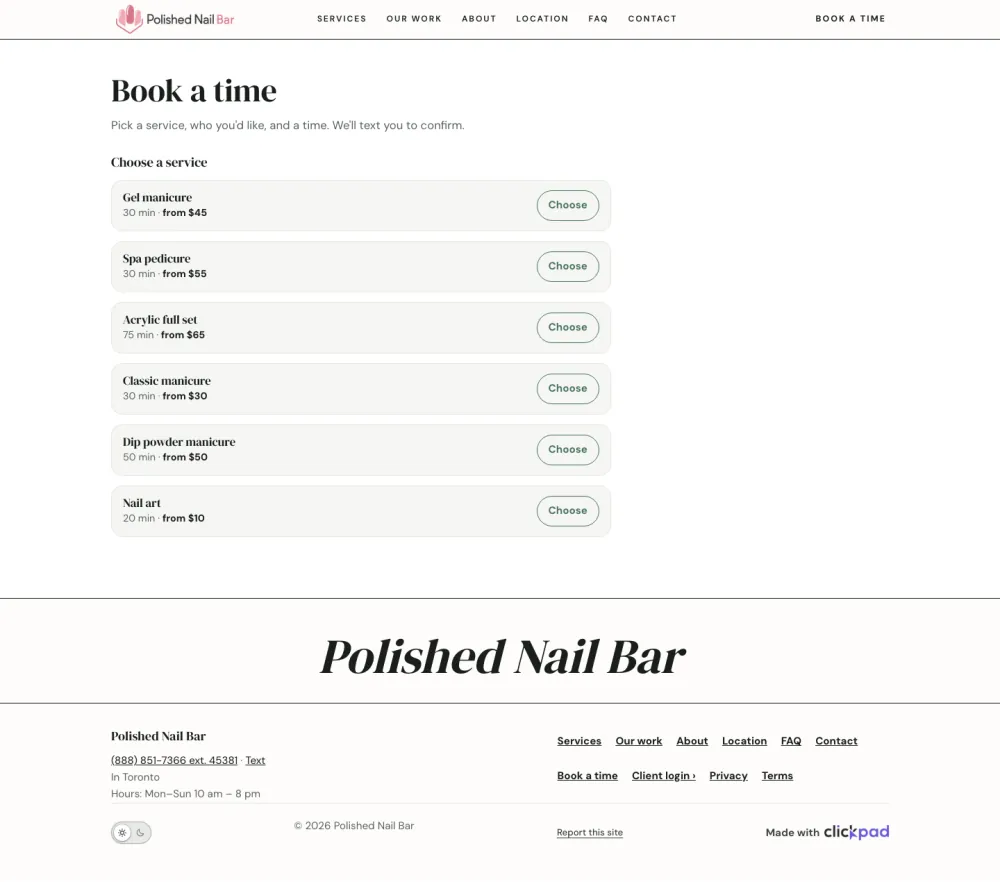
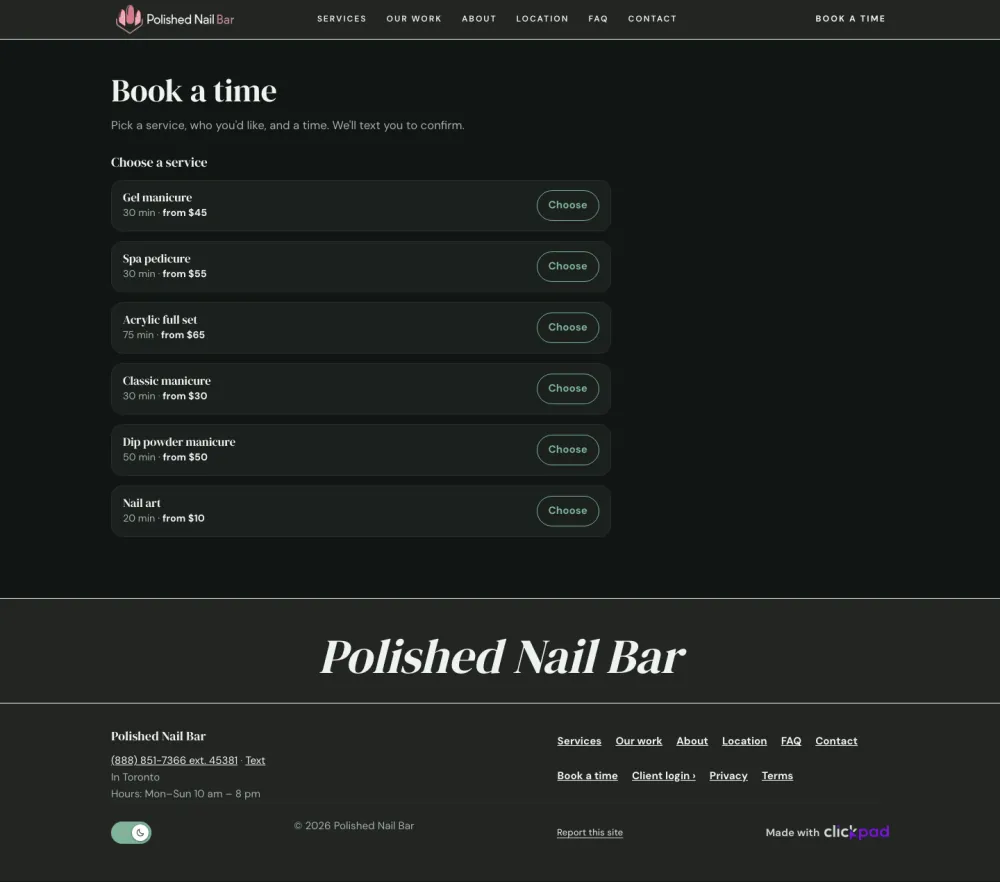
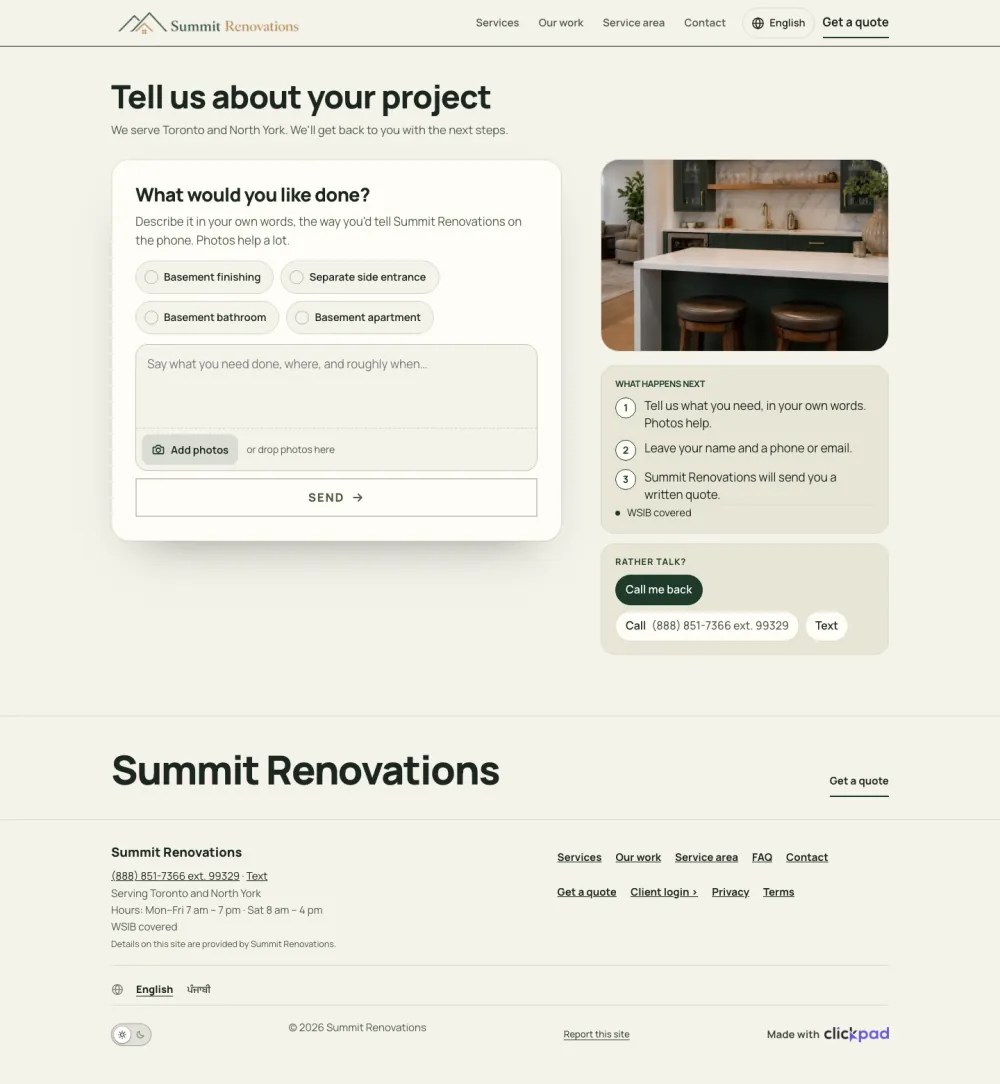
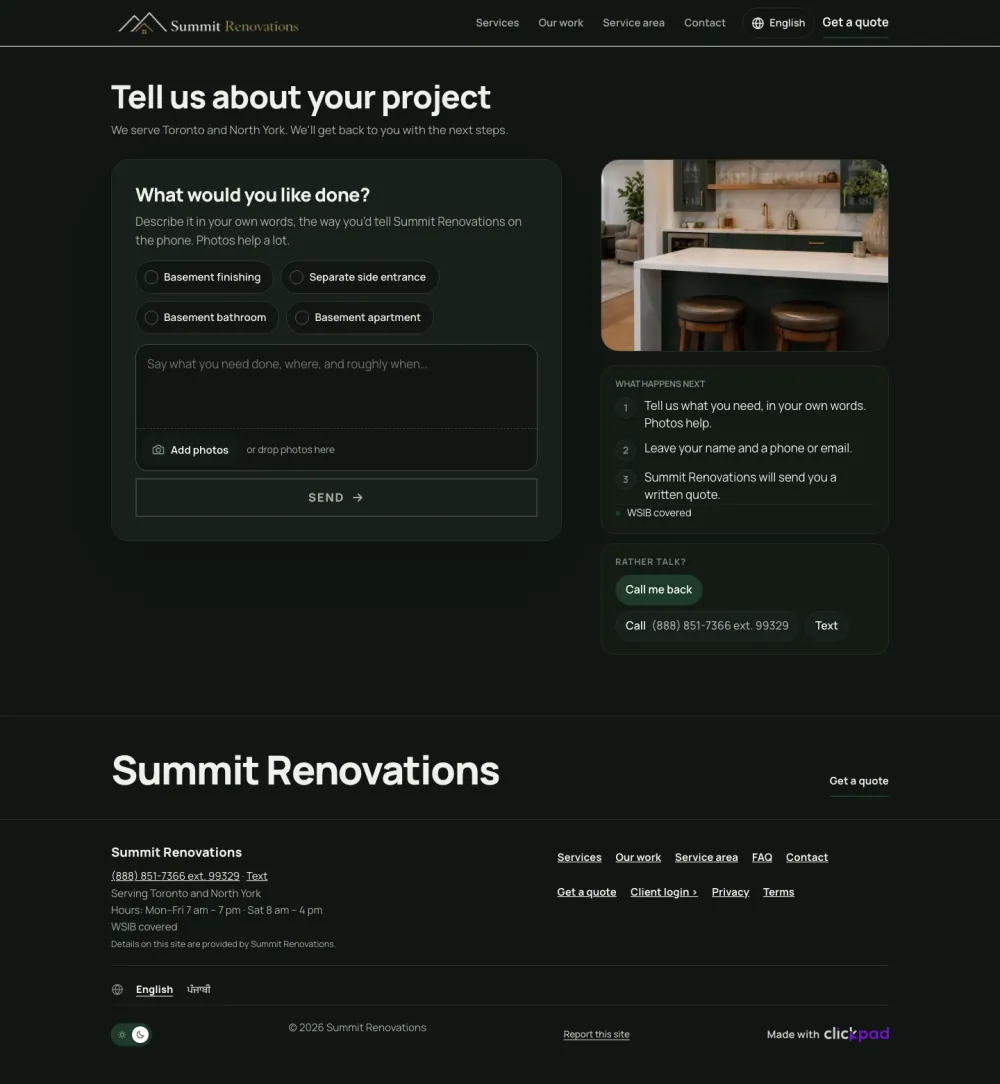
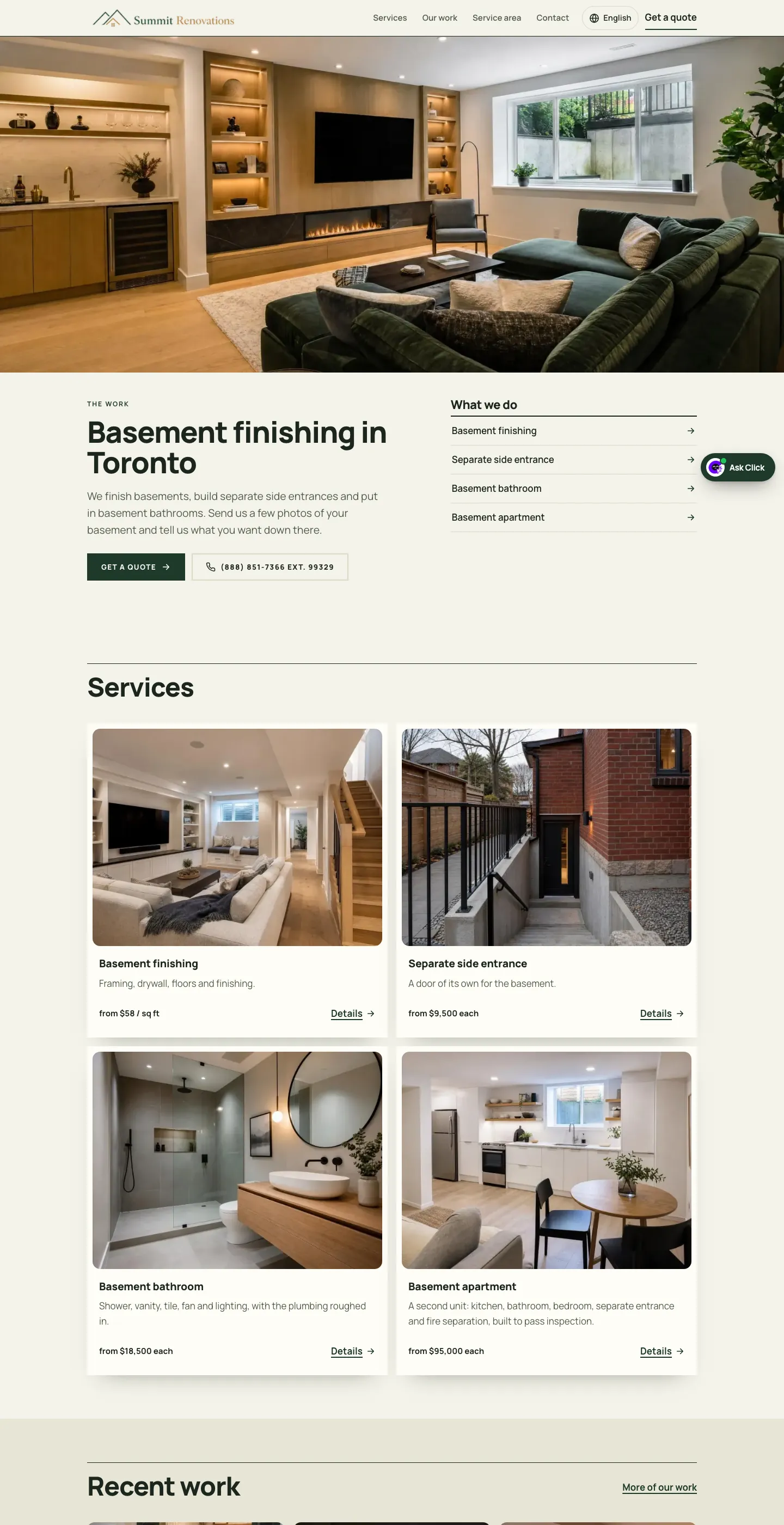
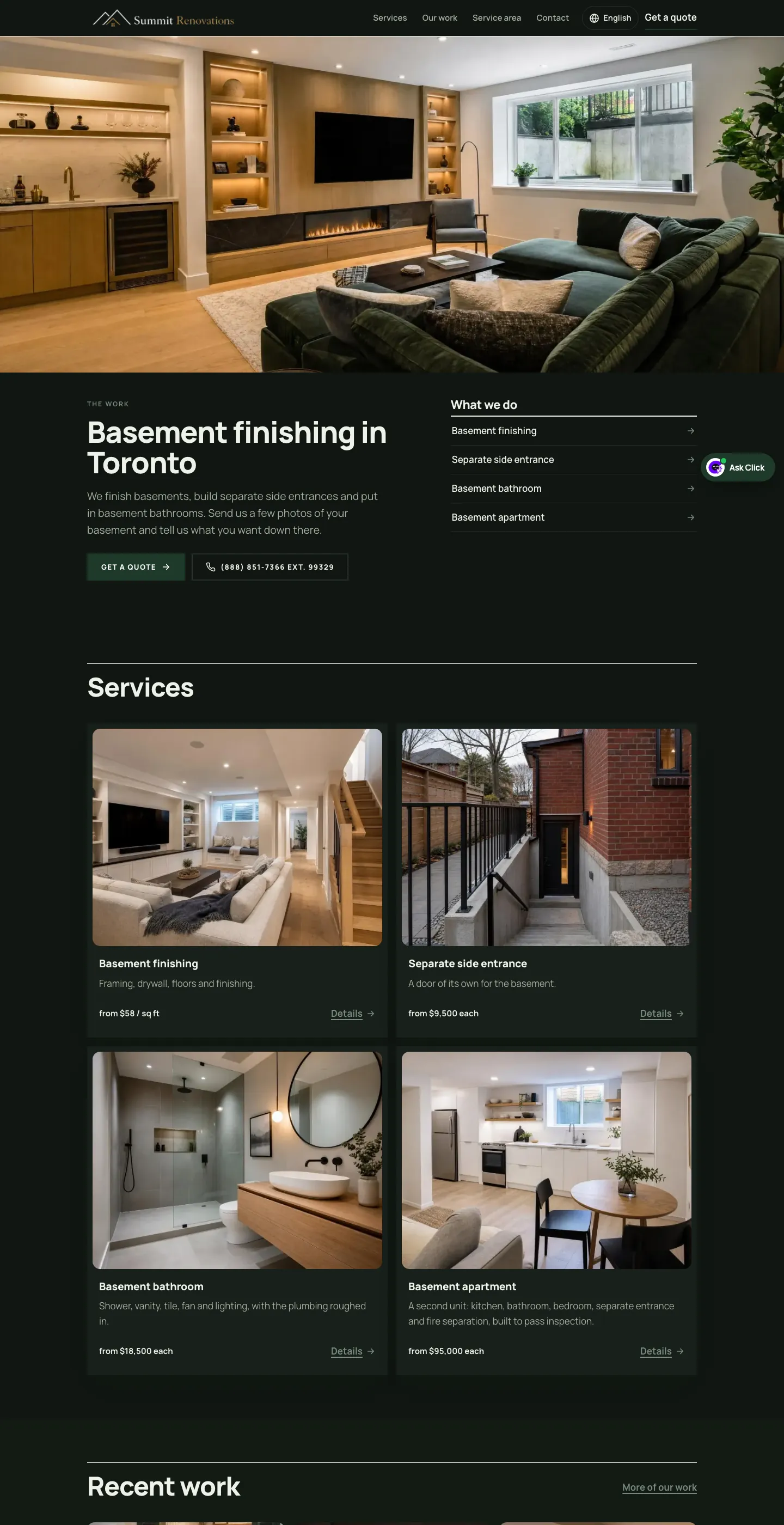
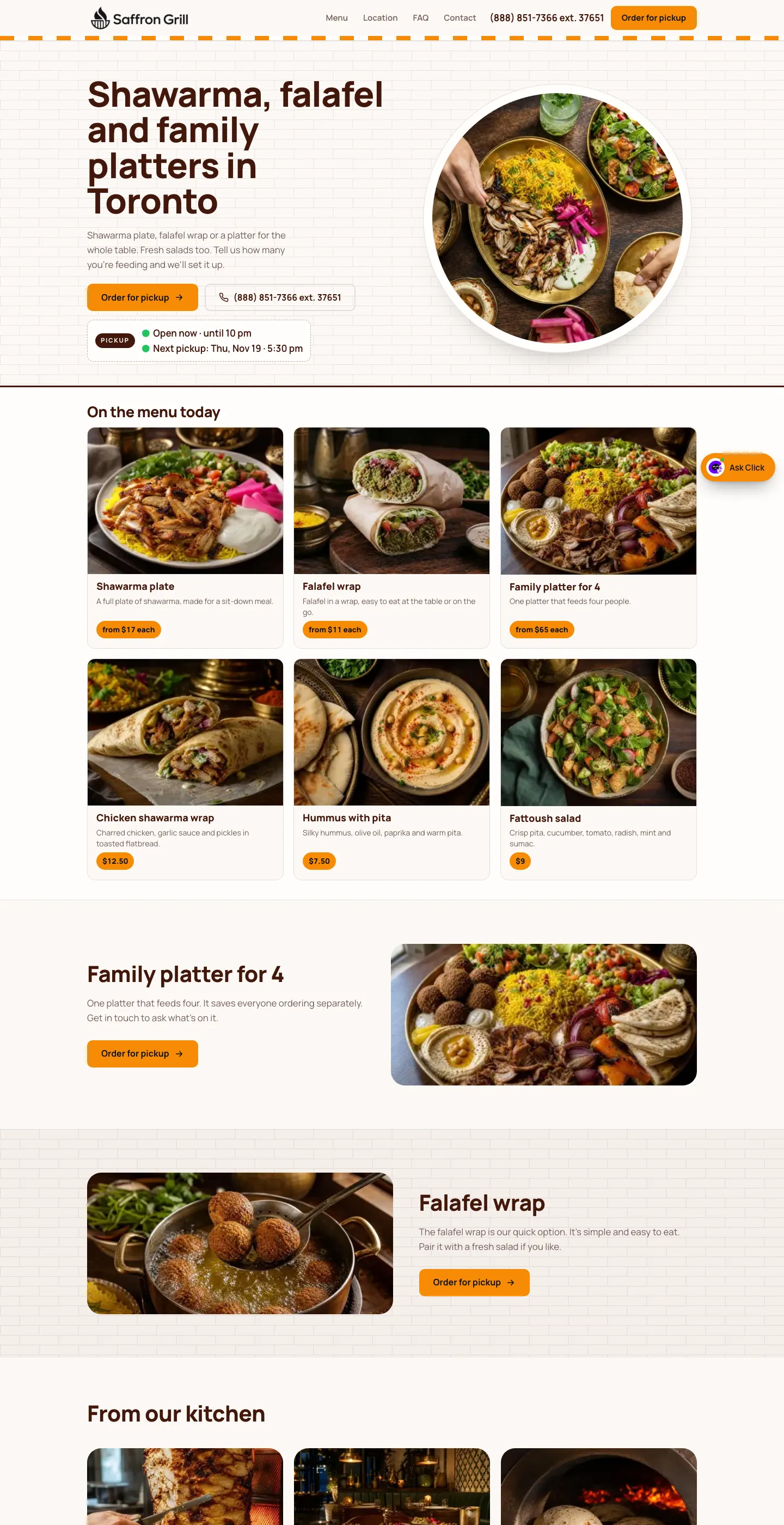
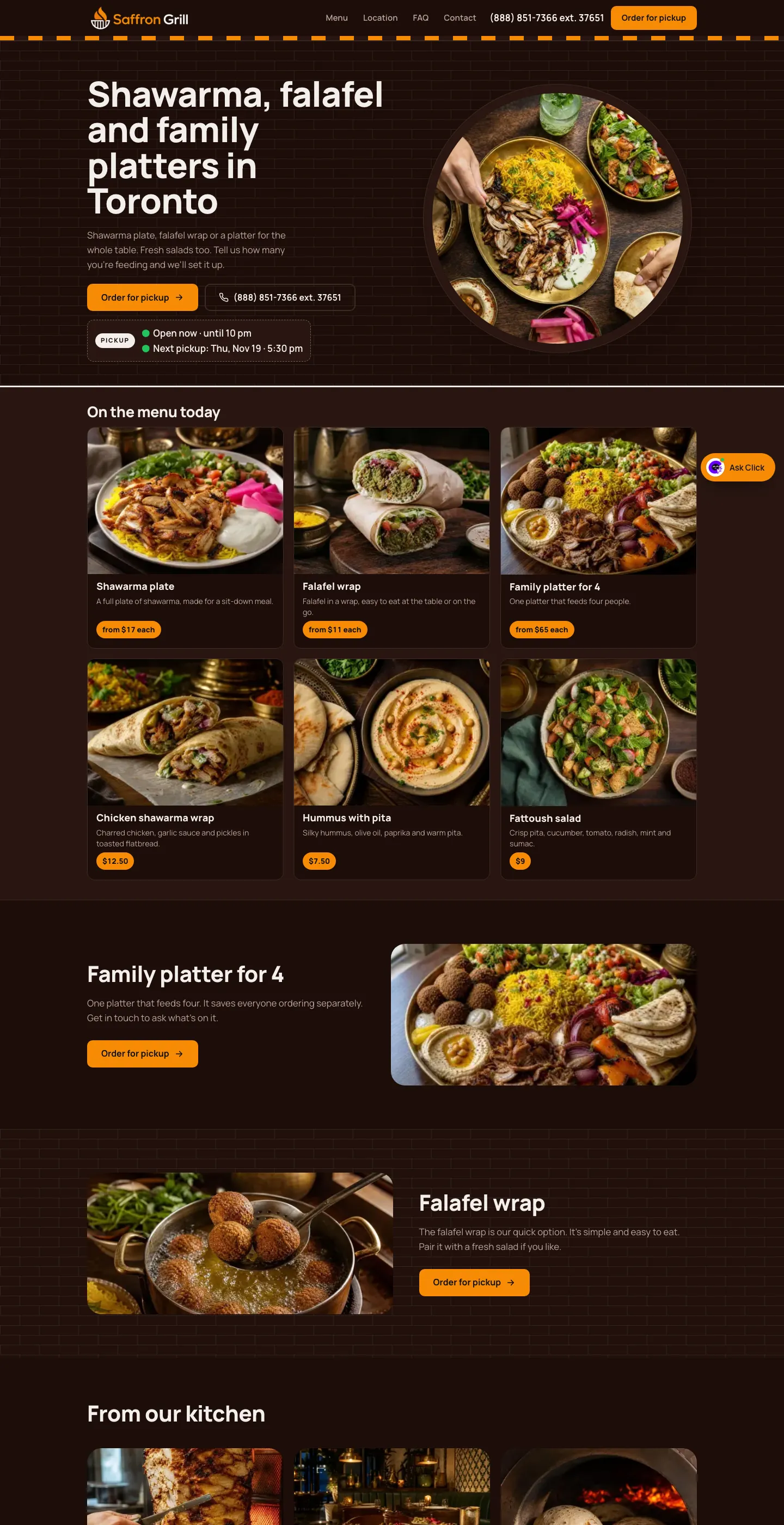
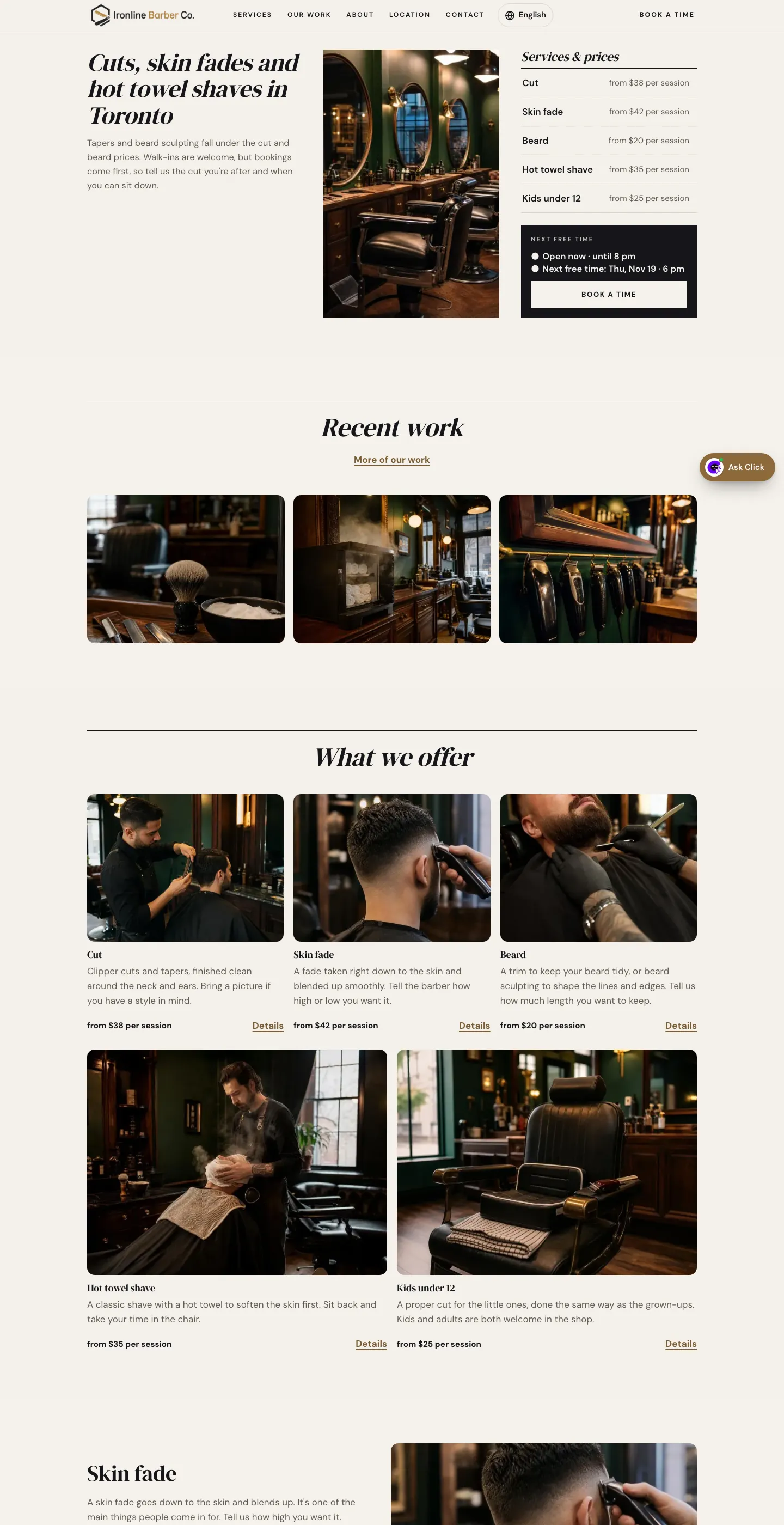
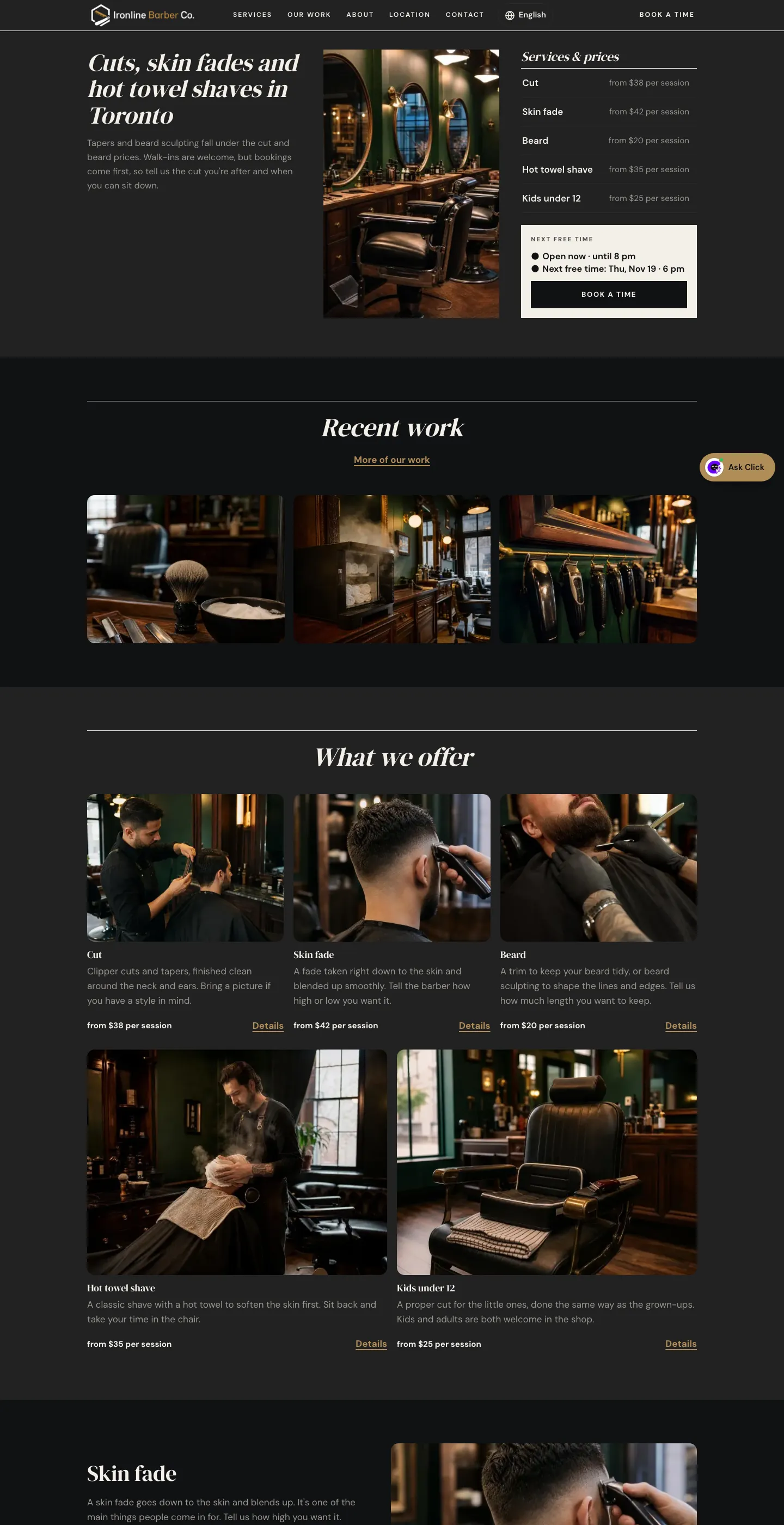
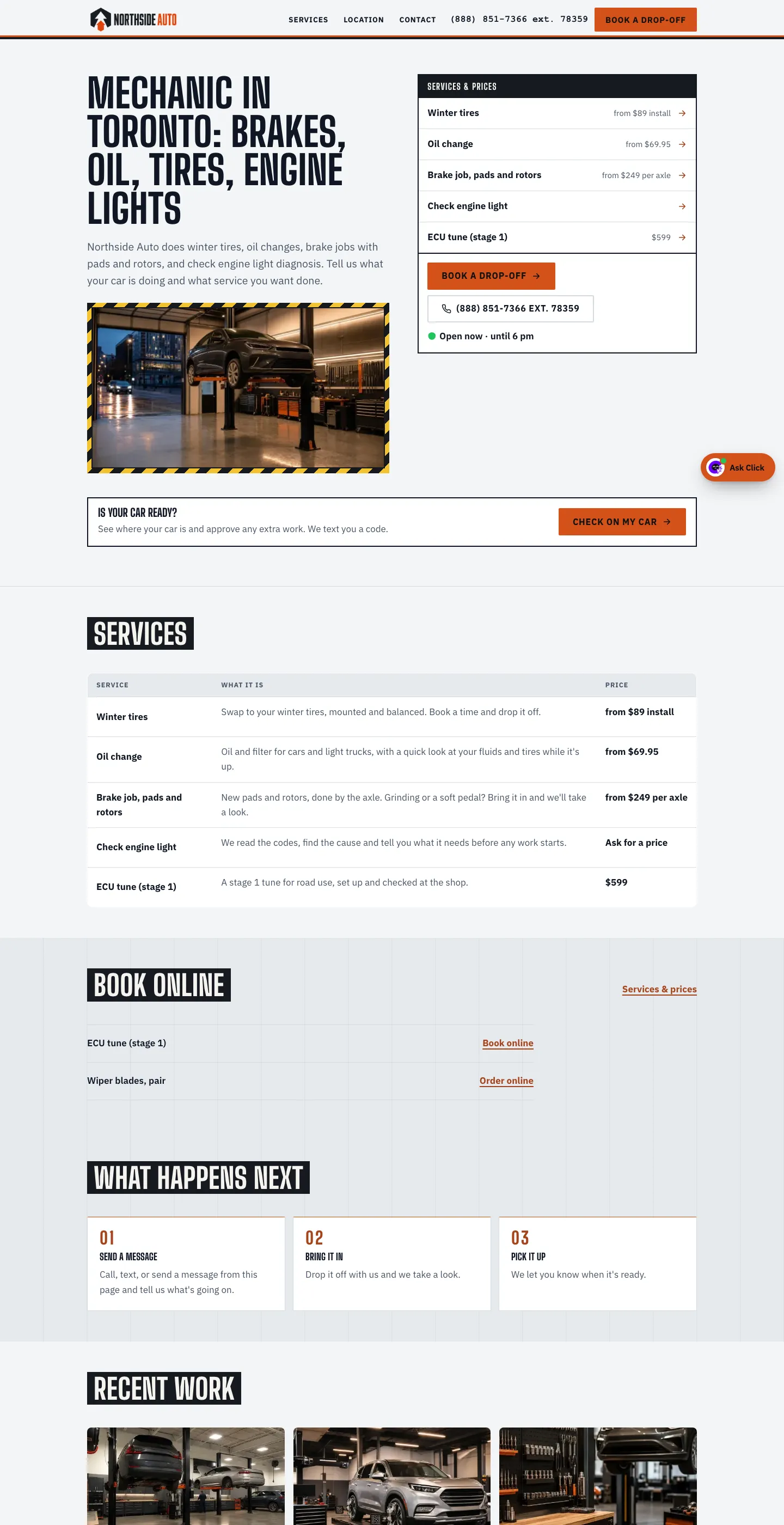
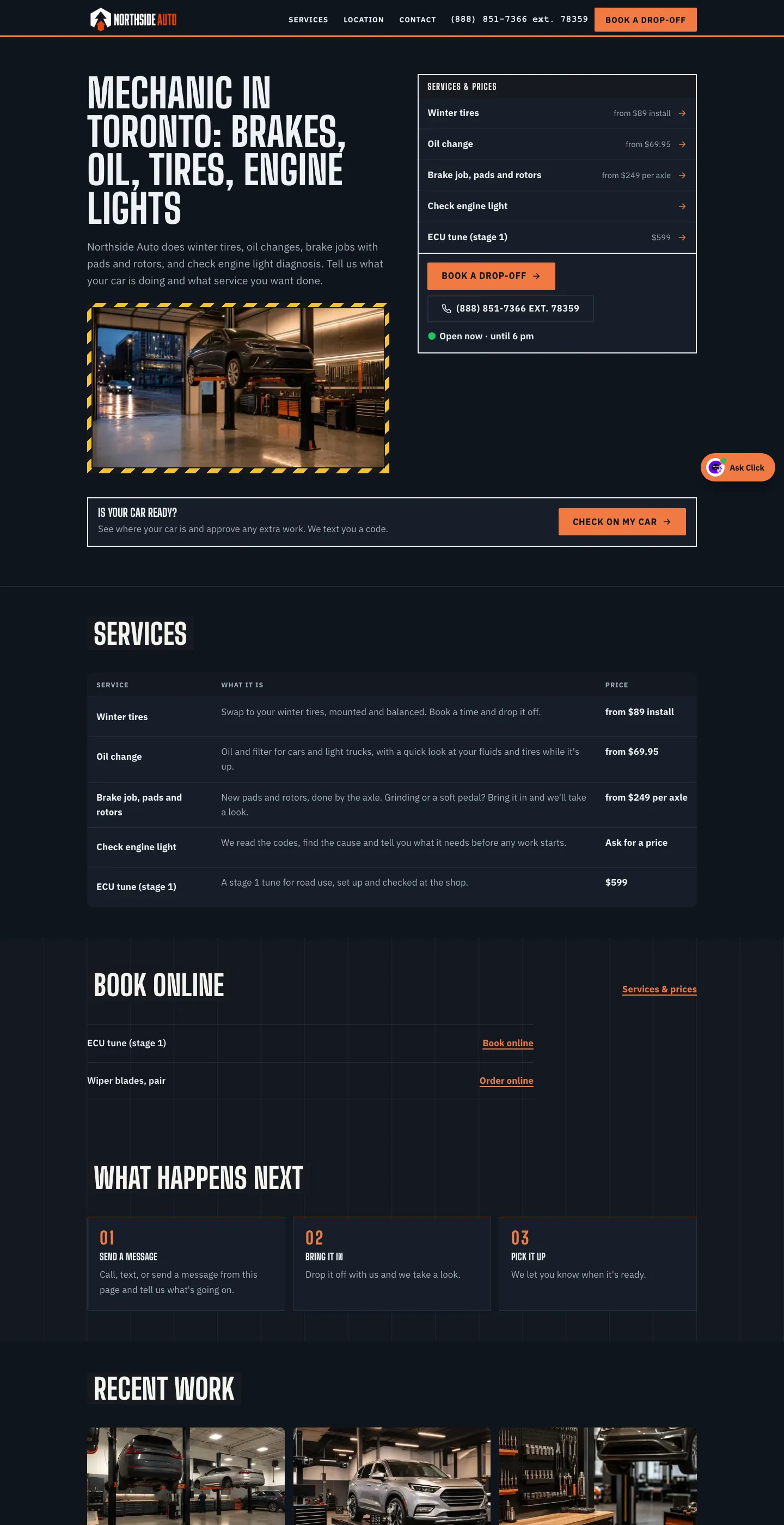
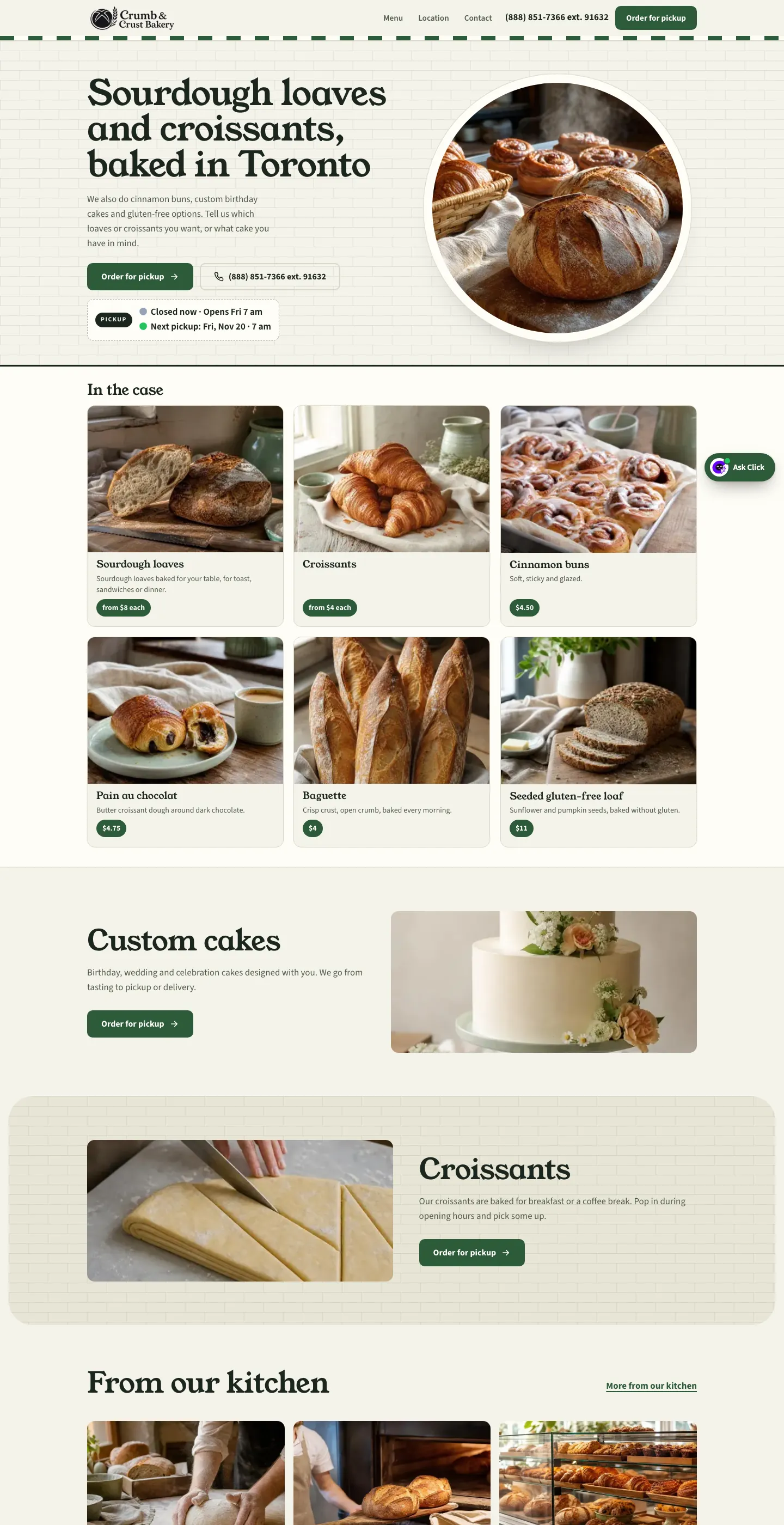
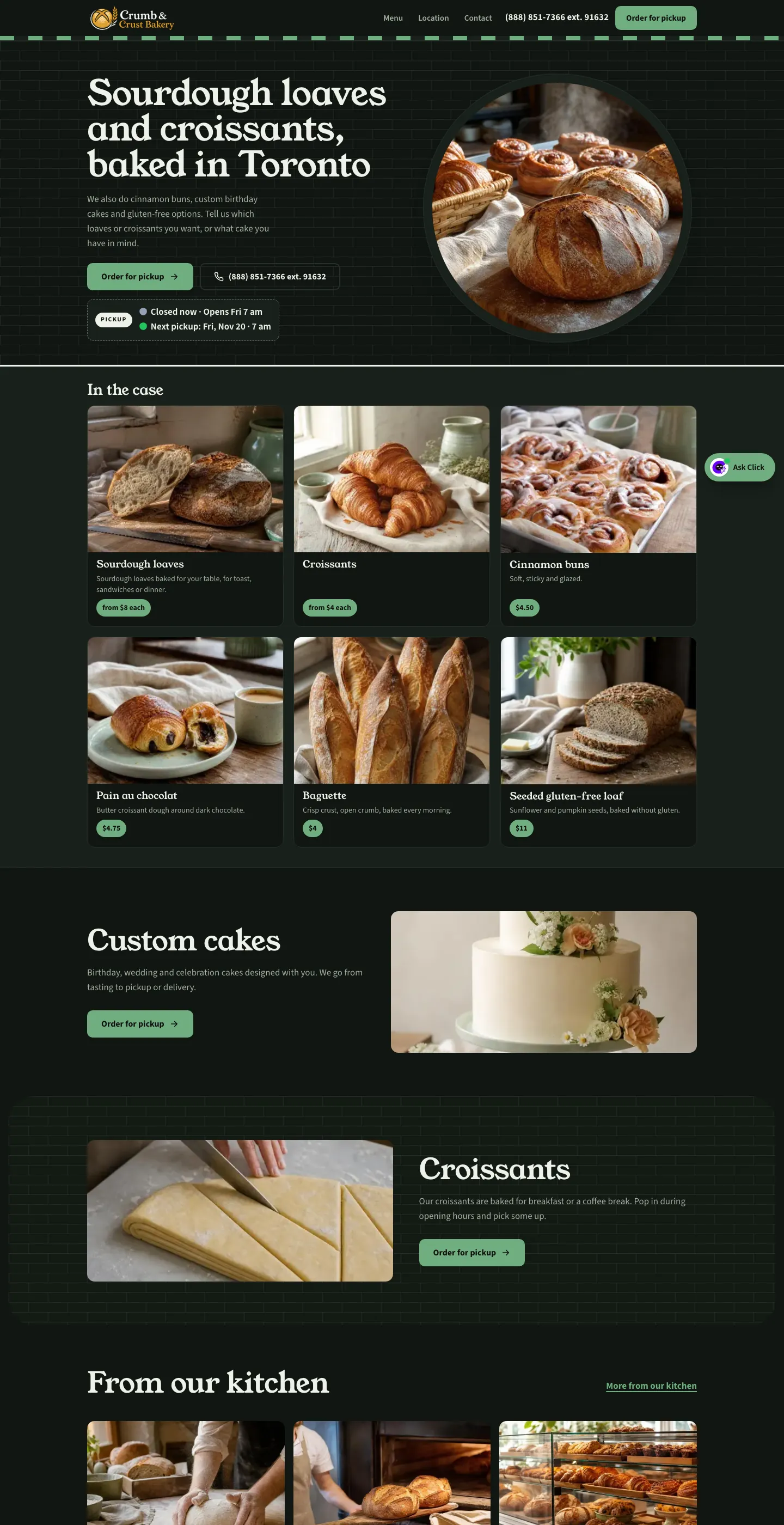
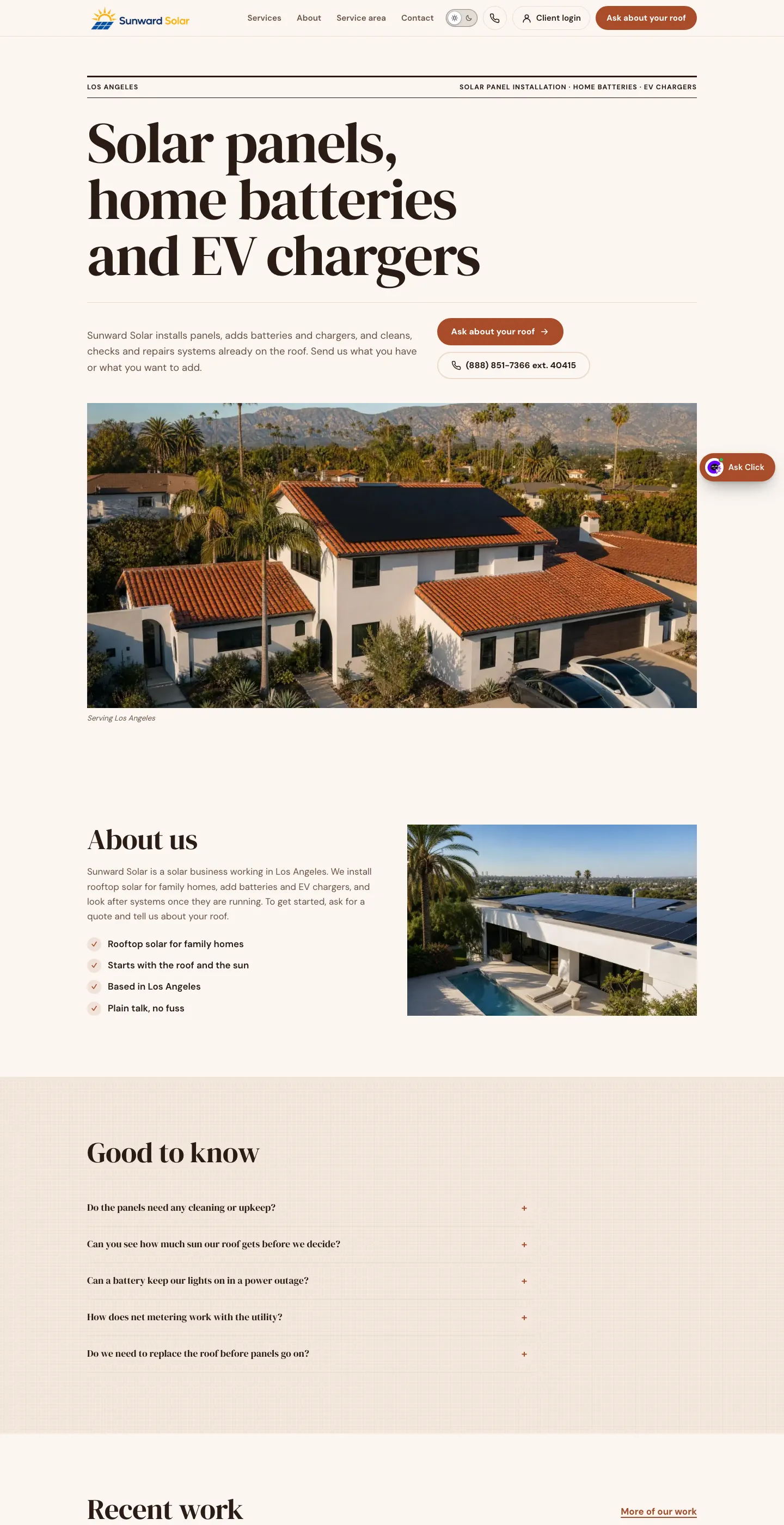
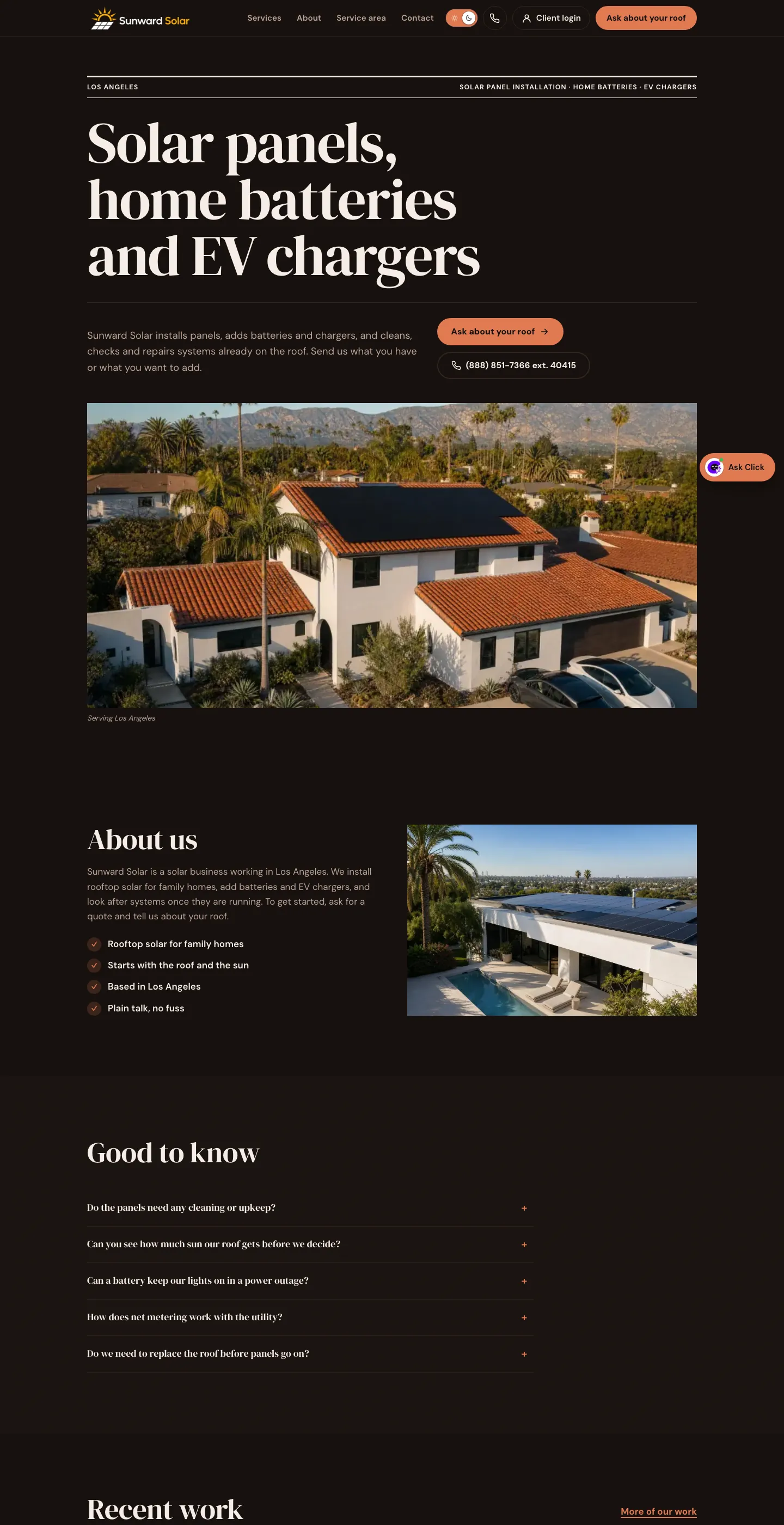
Six kinds, each with what Clickpad does for their day. The pictures are demo sites made.
Words We Use
A quick glossary.
- Click
- The assistant. Answers customers and does the owner's errands.
- The front desk
- What answers (888) 851-7366 for each business.
- The code
- Each business's number on the shared line.
- Your thread
- The owner's text thread with Click: every call recap, booking and payment.